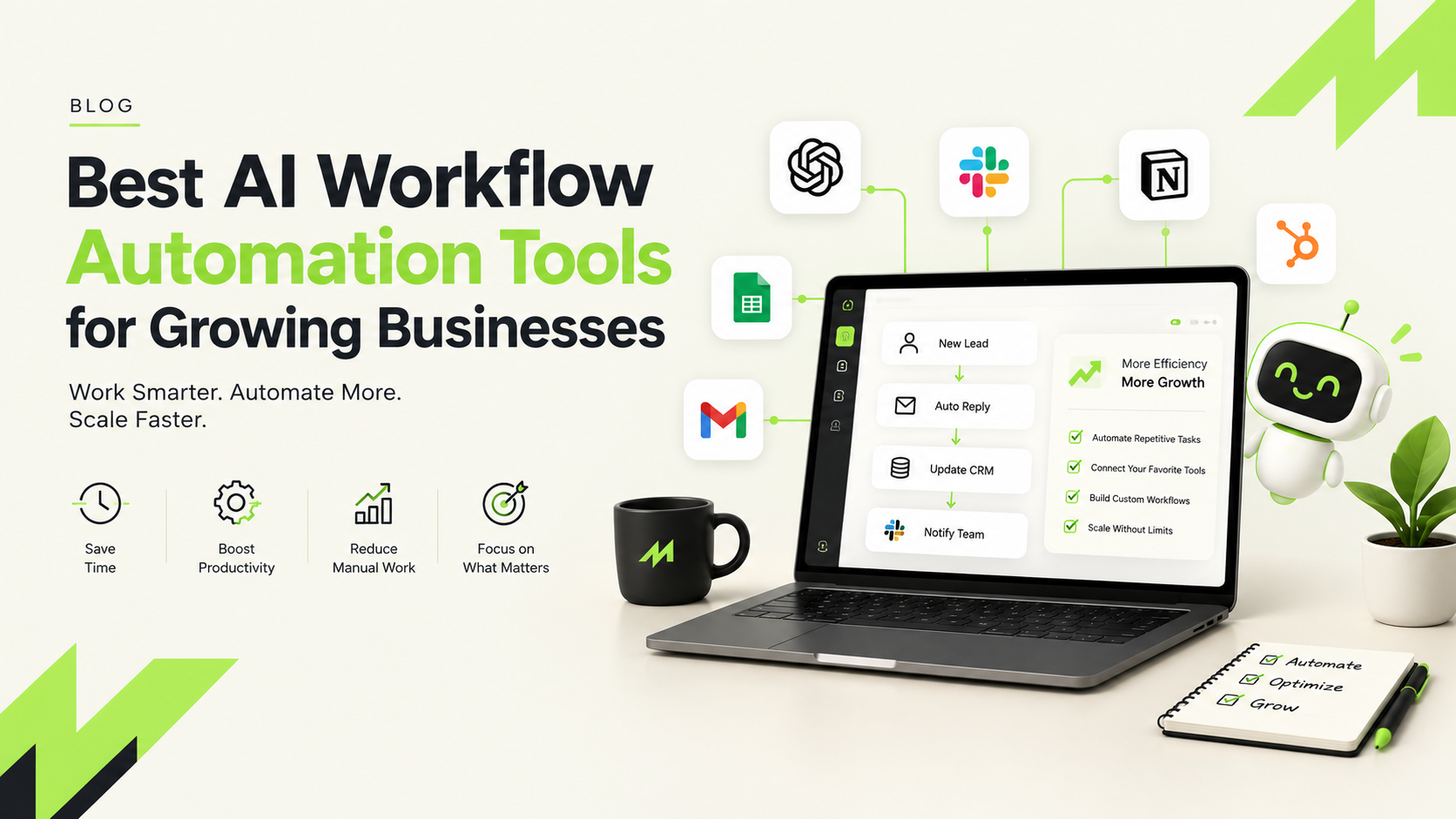
If you run a store or manage websites, you’ve probably done the same copy-and-paste job a hundred times. Workflow automation tools exist to take that job off your plate. They connect the apps you already use, and the newer AI-powered ones can even read a message and decide what to do with it. Short version: a beginner-friendly no-code platform is enough for most teams, a budget builder keeps costs down, and open-source tools reward anyone with a bit of technical know-how.
This guide is for website builders, ecommerce owners and small business teams who want their week back without hiring a developer. We’ll look at what these tools actually do, go through six types worth knowing, and talk about how to pick one without wasting a month on the wrong choice.
What Are Workflow Automation Tools?
Put simply, workflow automation tools are platforms that connect your apps and move information between them on their own. Add AI, and they get smarter, so a workflow can summarise an email, sort a support request or draft a reply instead of just copying data from A to B.
Picture a small online store. An order comes in, and the platform adds it to a spreadsheet, emails the customer, pings the warehouse and flags anyone who spent a lot. Nobody typed a thing. A website builder can do the same with enquiry forms: the lead lands in the CRM and the sales team hears about it within seconds.
Best AI Workflow Automation Tools in 2026
A quick note on money. The prices below come from vendor figures reported in a September 2026 roundup, and they change often, so check current rates before you commit.
Beginner-Friendly No-Code Platforms
These are the easiest place to start. You drag steps onto a canvas, connect your apps and you’re done, no code needed. One leading example gives you 100 tasks a month free, with paid plans from $29.99 a month. The catch is that the AI features can feel bolted on, and the bill grows quickly once your task count does.
Budget-Friendly Visual Builders
If money is tight, this group is hard to beat. Free plans give you around 1,000 credits a month, and paid plans start near $10.59 for 10,000 credits. You also get big template libraries to copy from. The trade-off is an interface that can feel dated, and honestly, it takes a few evenings to get comfortable.
Open-Source and Self-Hosted Platforms
Open-source tools give you the most control, since you can host them yourself or use the cloud version. Entry plans run about $24 a month for 2,500 executions. You’ll usually supply your own AI model keys, so it helps to have someone around who’s happy with a bit of low-code logic.
Plain-English AI Agent Builders
This is the newest group, and the idea is simple: type what you want, and the agent builds the workflow. After a 14-day trial, plans start around $37 a month, often with AI model access included. Because these platforms are young, expect a few rough edges and thinner support.
AI Assistants for Sales and Support
Some tools pitch themselves as AI team members for support and sales. They answer common questions, follow up with leads and log the results. Free plans often cap you at about 40 tasks a month, and paid plans start near $49.99. Watch the task count, because costs can jump if you run a lot.
Enterprise Automation Platforms
These are built for big companies with processes that span several departments. Pricing is custom and you normally have to sit through a demo to get a quote. Unless you’re a large team, you’ll likely never need one.
Pro tip: Run your first automation on a free plan for two weeks. If it saves at least two hours a week, it is worth upgrading.
How AI Writing Tools Fit Into Automated Workflows
AI writing tools get a lot more useful when they’re part of a workflow instead of a separate tab you have to open. A new product gets added, a draft description appears, someone approves it, and the final copy goes live in your store.
Other popular uses are turning a video into a blog outline or boiling customer reviews down into a weekly summary. One piece of advice: always keep a person in the loop. AI drafts still need a fact-check and someone to make them sound like your brand.
How to Choose the Right Tool
Start by asking who’ll actually build and maintain these workflows. If it’s a marketer with no coding background, go for a no-code platform or an AI agent builder. If a developer’s involved, an open-source tool gives you more room to work.
Then work out your monthly volume. A store handling a few hundred orders needs far fewer tasks than one running 10,000 automated actions, and that gap decides which plan is actually cheapest.
Last, think about who’ll help when something breaks. Plenty of brands bring in a performance marketing agency or a D2C marketing agency to set up workflows for ads, lead tracking, and customer retention. Local businesses often look for digital marketing services in Jaipur that tie automation to SEO and paid campaigns. Either way, write down how each workflow works, so it doesn’t fall apart when someone leaves.
Frequently Asked Questions
What are workflow automation tools?
They’re platforms that connect your apps and run repetitive tasks for you. When something happens, like a new order or a form submission, the tool kicks off the next step. AI-powered versions can also read text, sort requests and make simple decisions without anyone stepping in.
Which workflow automation tool is best for small ecommerce businesses?
Beginner-friendly no-code platforms and budget visual builders are where most small stores begin. The first is simpler to set up, while the second costs less per task. Both offer free plans, so you can test one real job, like order alerts, before paying anything.
Do I need coding skills to use AI workflow automation tools?
Not for most of them. Beginner platforms, budget builders and AI agent builders are made for non-technical people and use visual canvases or plain-language instructions. Open-source and enterprise tools do suit teams with technical support, since the setup is deeper and fiddlier.
Conclusion
The best workflow automation tools are simply the ones your team will keep using. Start small: pick one task that eats your time, automate it on a free plan and see how many hours it gives back. If it works, build the next one. A handful of small automations can quietly save you days over a year.