
If you’ve ever copied the same data from one place to another for the third time in a day, this post is for you. It’s written for website builders, agency teams, and students who want to get time back without learning to program.
The short version: no code automation tools let you connect your apps and make them do repetitive jobs on their own. You build everything by clicking and dragging. Start with one small, annoying task, and grow from there.
So, what are no-code automation tools?
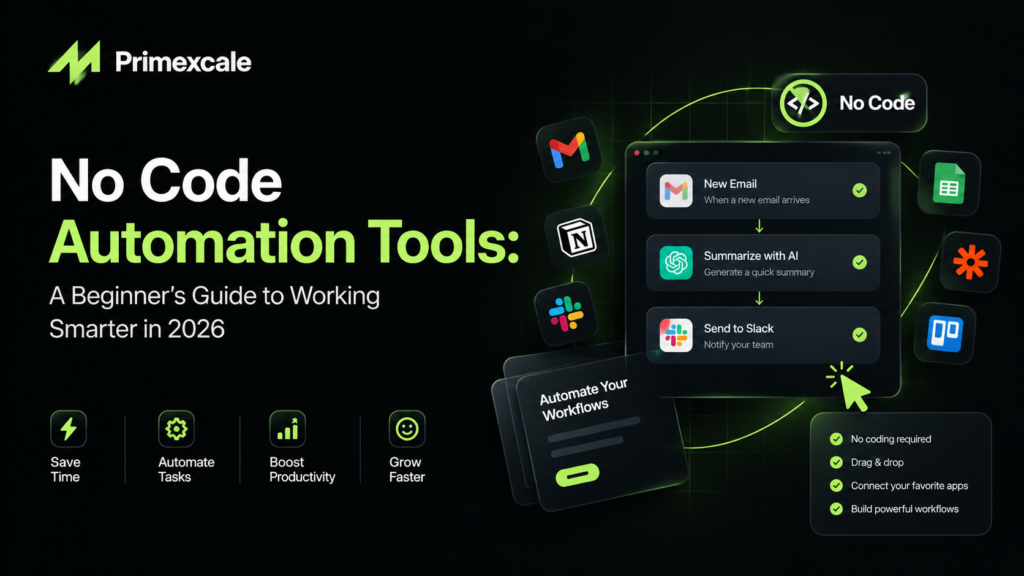
They’re platforms that link your everyday apps together and run tasks for you. You pick a trigger, something like “someone submits a contact form,” and then decide what should happen next. Maybe the lead lands in a spreadsheet, a teammate gets pinged, and a welcome email goes out. Done, and you never touched it.
Not long ago, setting that up meant hiring a developer. Now a student can build it in a lunch break. That’s the real shift.
Why everyone’s talking about them
Honestly, most of our work days get eaten by small stuff. Updating sheets, sending reminders, pulling reports, moving files around. None of it is hard, it’s just endless.
Automation hands those hours back. And the newer tools add AI on top, so a workflow can read a message, summarize it, or sort it into the right bucket instead of just following a fixed rule. That’s a big step up from the old “if this, then that” setups.
How they work behind the scenes
It really comes down to three pieces. There’s a trigger that starts things off, an action that does the work, and some logic in the middle that decides what happens under which conditions. For example, “only send this alert if ad spend crosses a certain number.”
Some platforms stick to strict rules. Others are built around AI, where a language model figures out the in-between steps. If your tasks involve writing, research, or sorting text, the AI-based ones tend to feel much more capable.
What to check before picking one
There isn’t a single winner for everybody, so it helps to know what matters to you. Ask yourself whether a complete beginner could build something useful in an hour. Check that it plugs into the apps you already use every day. Look at whether the AI is part of the core product or just tacked on. Pricing matters too, because a cheap starter plan can get pricey once your task volume grows. And see how many templates and tutorials exist, since good learning material saves you hours of guessing.
A simple rule: match the tool to your comfort level. Fully visual builders are great for beginners. If you like tinkering, the low-code options give you more room to experiment later.
Where agencies get the most out of automation
For a performance marketing agency handling lots of accounts at once, automation is a bit of a lifesaver. Lead routing is the easy win, since new enquiries go straight to the right person without anyone checking an inbox. Reporting is another one. Instead of building the same weekly report by hand, you can have numbers pulled in automatically every morning.
It gets more interesting with AI ads and analytics. You can set up a workflow that flags ads that are dropping in performance, writes a plain-language summary of the week’s trends, and alerts you when spend suddenly jumps. That’s the kind of thing that used to need a analyst’s full attention.
A D2C marketing agency can go further with abandoned cart follow-ups, review requests, and post-purchase emails that run quietly in the background. We’re seeing more teams offering digital marketing services in Jaipur and elsewhere treat automation as part of how they deliver work, not an extra. It keeps quality steady even when the client list keeps growing.
Ideas for website builders and students
If you build websites, you can send form entries straight into a CRM, notify a client the moment their page goes live, back up content on a schedule, or publish posts from a content calendar.
Students have plenty of uses too. Save interesting articles into one research folder, get deadline reminders, summarize long readings with AI, or keep every job application in a single tracker. Small things, but they add up fast during exam season.
Build your first automation
Don’t overthink this. Pick something you do every week and secretly hate. Write down each step in plain words, as if you were explaining it to a friend. That part matters more than you’d think, because you can only automate what you can describe clearly.
Next, choose a beginner-friendly platform and stay on the free plan while you learn. Build the workflow, then test it with dummy data so nothing embarrassing reaches a real client. Watch how it runs for a week, fix whatever breaks, and only then move on to the next task.
Mistakes that trip people up
The biggest one is automating a messy process. If the workflow is confusing by hand, it’ll be confusing on autopilot, so tidy it first. Another is building too much too fast. Two clean workflows beat ten tangled ones every time.
Keep an eye on usage costs as you scale. Keep a human approval step for anything client-facing or anything involving ad budgets. And write a quick note about what each workflow does, because future you (or a teammate) will thank you.
Quick answers to common questions
Can I really automate work without coding? Yes. The visual builder handles the technical side. You just describe what should happen and when.
Are these tools free? Most have a free tier with limited tasks. It’s plenty for learning and running a few small workflows. Paid plans add higher volumes and team features.
What’s the difference between no code and low code? No code is fully visual. Low code is mostly visual but lets you add small scripts when you want extra control. If you’re new, start with no code.
Is this useful for marketers? Very. Reporting, lead handling, content production, and AI ads and analytics monitoring are some of the most popular uses.
Wrapping up
No code automation tools aren’t just for tech teams anymore. They’re everyday helpers for website builders, agencies, and students. You don’t need to learn everything at once. Pick one task, build one simple workflow, and see how much time you win back.
The better you understand your own routine, the better your automations will be. So keep experimenting, keep learning, and let the tools take the boring parts.