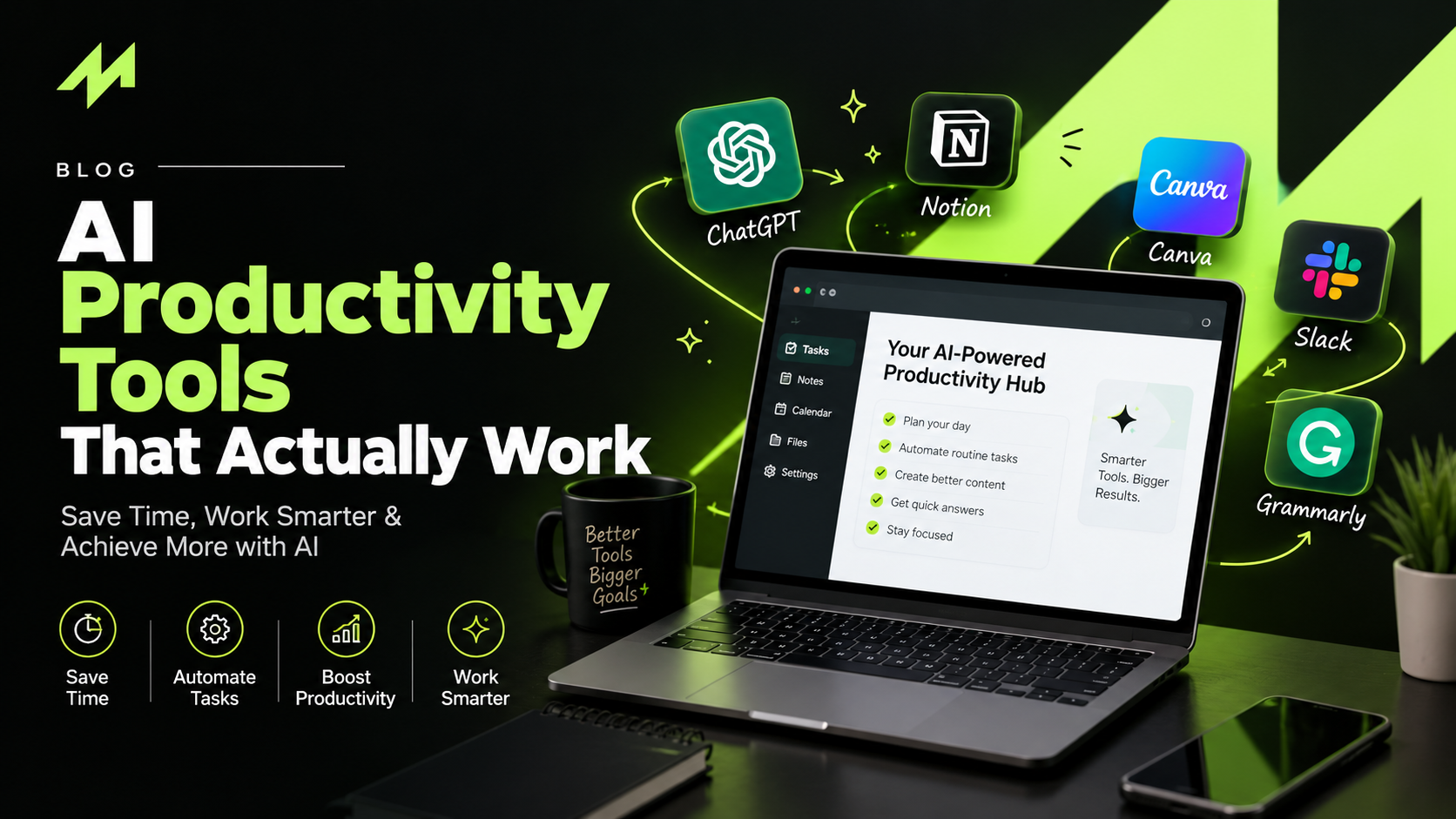
If you’ve ever lost an afternoon to formatting a report, sorting a messy spreadsheet, or rewriting the same product description for the tenth time, AI productivity tools were made for you. They’re software that uses artificial intelligence to take over repetitive jobs, so you can spend your energy on the parts of work that actually need your brain.
This guide is for website builders, ecommerce owners, students, and anyone running a business who wants a straight explanation without the hype.
What AI Productivity Tools Actually Do
Older automation was rigid. A form gets submitted, an email goes out, and that’s the end of it. Newer tools can read context. Give them a messy paragraph and they’ll tidy it up. Hand them a forty-page document and they’ll pull out the main points. Ask about your sales numbers and you’ll get a plain-English answer back.
They don’t replace your judgment, though. You still decide what’s good enough to publish. What changes is the starting point: instead of a blank page, you begin with a rough draft, a summary, or a cleaned-up dataset.
Why People Are Adopting Them So Fast
Most of us spend a surprising chunk of the week on small, boring tasks. Answering the same customer questions, copying numbers from one place to another. Writing meeting notes nobody enjoys writing. None of it is hard, but it adds up quickly.
A handy rule of thumb is the 70/30 split. Let AI handle roughly 70 percent of the repetitive, data-heavy work, and keep the other 30 percent, the creative thinking and final decisions, for yourself. The exact numbers aren’t magic. The point is to hand the grunt work to the machine and keep the human parts human.
The Main Kinds of AI Productivity Tools
Writing and Editing
These tools help you tighten sentences, fix awkward phrasing, and check how easy your text is to read. My advice is to write the first draft yourself and let the tool polish it. Content that’s generated and published without being edited tends to read flat, and readers can tell.
Research and Studying
Some tools summarize long documents or answer questions using only the material you upload. For students, that can mean turning a dense chapter into a short outline or a set of practice questions the night before an exam.
Automation
Workflow tools connect your apps and let AI handle multi-step jobs, like collecting data, drafting a weekly report, and sending it to the right person. Small teams get the most out of these, because they can grow without hiring for every new task.
Design and Website Building
Website builders can now describe a layout in plain words and get a working prototype in minutes. It won’t be perfect, but it’s a much better place to start than an empty canvas.
AI Ads and Analytics
If you run paid campaigns, this category deserves a close look. AI ads and analytics tools spot patterns in campaign data, compare creative variations, and point out where money is being wasted. That saves a lot of squinting at spreadsheets.
Who Gets What Out of Them
Website builders get faster prototypes, draft copy, and a quick readability check before launch.
Ecommerce businesses can produce product descriptions at scale, reply to common customer questions sooner, and get clearer answers about which products and ads deserve more budget.
Students get summaries, tidier notes, and practice quizzes, plus voice dictation for the days when typing feels slow.
Business owners get automatic meeting notes, less admin, and reports that don’t eat half a day.
How to Choose the Right One
Nobody can name a single best tool for everyone, because your needs aren’t mine. Ask yourself a few honest questions instead. Does it work with the apps you already use? Can you get something useful out of it in the first ten minutes, or does it demand a long setup? Is your data handled carefully? Are the limits and prices clear before you pay? And can it work with different AI models, since some are better at writing and others at analysis?
Start with free plans. Judge a tool by the hours it gives back in a week, not by how long its feature list is.
Why Strategy Still Matters
Tools only go as far as the plan behind them. That’s one reason growing brands often bring in a performance marketing agency, which can turn campaign data into measurable results, or a D2C marketing agency that understands the whole journey from first click to repeat purchase. Businesses searching for digital marketing services in Jaipur usually want the same mix: local market knowledge plus modern, AI-assisted workflows. AI brings speed. Experienced people bring direction.
Mistakes Worth Avoiding
- Publishing without checking. AI sounds confident even when it’s wrong, so fact-check anything that matters.
- Using it for work you don’t understand. If you can’t tell whether the output is good, you can’t fix it.
- Collecting too many tools. Every new one has a learning curve. Get comfortable with two or three first.
- Sharing sensitive details. Keep private customer and financial information out of tools you haven’t vetted.
- Never measuring. Note how much time you actually save, or you won’t know what’s working.
Frequently Asked Questions
What are AI productivity tools used for?
Mostly for taking repetitive work off your plate. Common uses include writing and editing, research, meeting notes, scheduling, design, data analysis, and reporting.
Are they suitable for beginners and students?
Yes. Many have free plans and simple interfaces. Students usually start with note-taking, research, and writing support, then add more as they get comfortable.
Will AI replace human expertise?
No. It speeds up routine work, but strategy, creativity, and final decisions still need a person.
Conclusion
AI productivity tools work best when you use them with a clear purpose. Pick one repetitive task, find a tool that fits the way you already work, check the output carefully, and build from there. Used that way, they free up time for the work that matters, whether you’re building websites, running an online store, studying for exams, or growing a business.