
I’ll be honest. When I first heard people talking about Surfer SEO, I assumed it was just another SEO tool making big promises.
The SEO industry isn’t exactly short on software that claims it can help pages rank higher. Every few months, a new platform appears and says it has the secret formula.
So I didn’t pay much attention to Surfer at first.
That changed after I spent an entire afternoon analyzing competitor articles for a blog post I was working on. I had dozens of tabs open, notes scattered everywhere, and no clear answer about what actually mattered.
A friend suggested trying Surfer SEO.
The first thing that stood out wasn’t some revolutionary feature. It was the fact that I could see useful information in one place instead of jumping between browser tabs for hours.
Was it perfect? No.
Did it save time? Absolutely.
Over the last few years, that’s become the main reason many writers and marketers keep using it.
What Surfer SEO Actually Does
A lot of descriptions make Surfer SEO sound more complicated than it really is.
The idea is fairly straightforward.
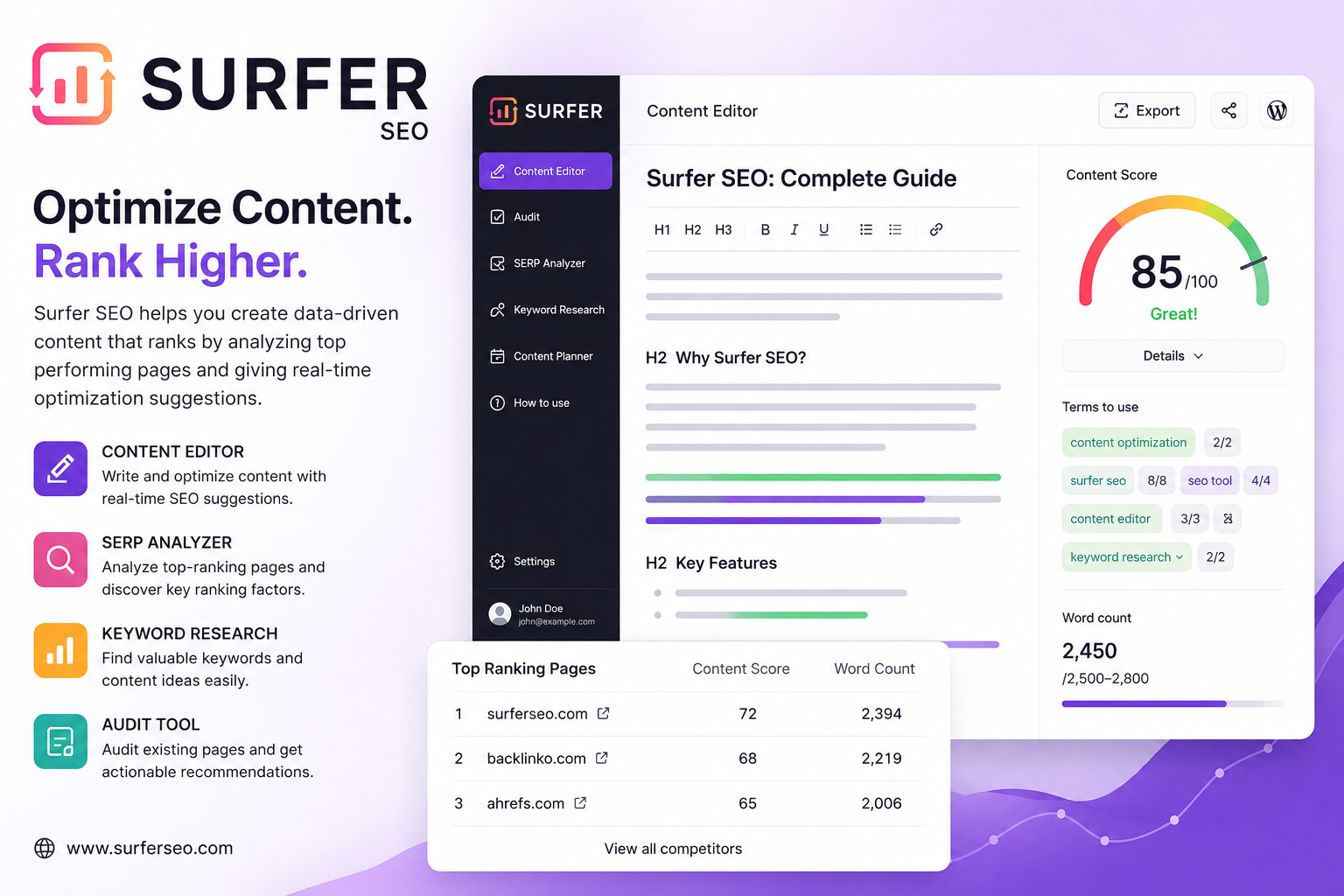
The platform looks at pages already ranking in Google for a particular keyword. It studies those pages and highlights common patterns. Then it compares that information with your own content.
From there, it provides suggestions about areas that might need improvement.
Sometimes that means expanding a section.
Sometimes it means covering a topic competitors have discussed that you missed entirely.
And sometimes it simply confirms that your content is already on the right track.
The Part I Use Most
For me, the Content Editor is the feature that gets the most attention.
Whenever I’m working on an article, I like having a second set of eyes on the page. That’s basically how I view the editor.
Not as a boss.
Not as a grading system.
More like an assistant pointing out things I may have overlooked.
There have been plenty of times when Surfer suggested terms or subtopics that genuinely improved an article.
There have also been times when I ignored its recommendations completely.
That’s normal.
The tool provides data. You still have to use judgment.
A Quick Word About Keyword Surfer
The free Keyword Surfer extension deserves more attention than it gets.
I originally installed it thinking I’d use it for a few days and forget about it.
Instead, it became one of those browser extensions that quietly stays installed for years.
When I’m researching topics, it’s convenient to see keyword information without opening another platform. It’s not the deepest keyword research tool available, but that’s not really the point.
It’s fast.
And sometimes fast is exactly what you need.
What Surfer Doesn’t Do
One thing worth mentioning is what Surfer SEO cannot do.
It can’t make weak content great.
It can’t replace expertise.
And it definitely can’t guarantee rankings.
I’ve seen people treat optimization scores like a video game. They’ll keep editing a page just to push a score a few points higher.
In many cases, that effort would be better spent improving the article itself.
Readers don’t care whether a piece of content scored 78 or 88 inside an SEO tool.
They care whether it answered their question.
Google is getting better at measuring that too.
Final Thoughts
If someone asked me whether Surfer SEO is worth trying in 2026, my answer would probably be yes—but with realistic expectations.
The biggest benefit isn’t some secret ranking advantage.
It’s efficiency.
The platform helps organize research, spot opportunities, and streamline content creation. For people publishing content regularly, that can make a noticeable difference.
At the same time, no tool should become the center of your strategy.
The articles that perform best are usually the ones that combine useful information, genuine expertise, and a good understanding of what readers are looking for.
Surfer SEO can help with that process.
The writing part is still up to you.